
Built into the platform. A partner school does not start using it automatically.
Student progress
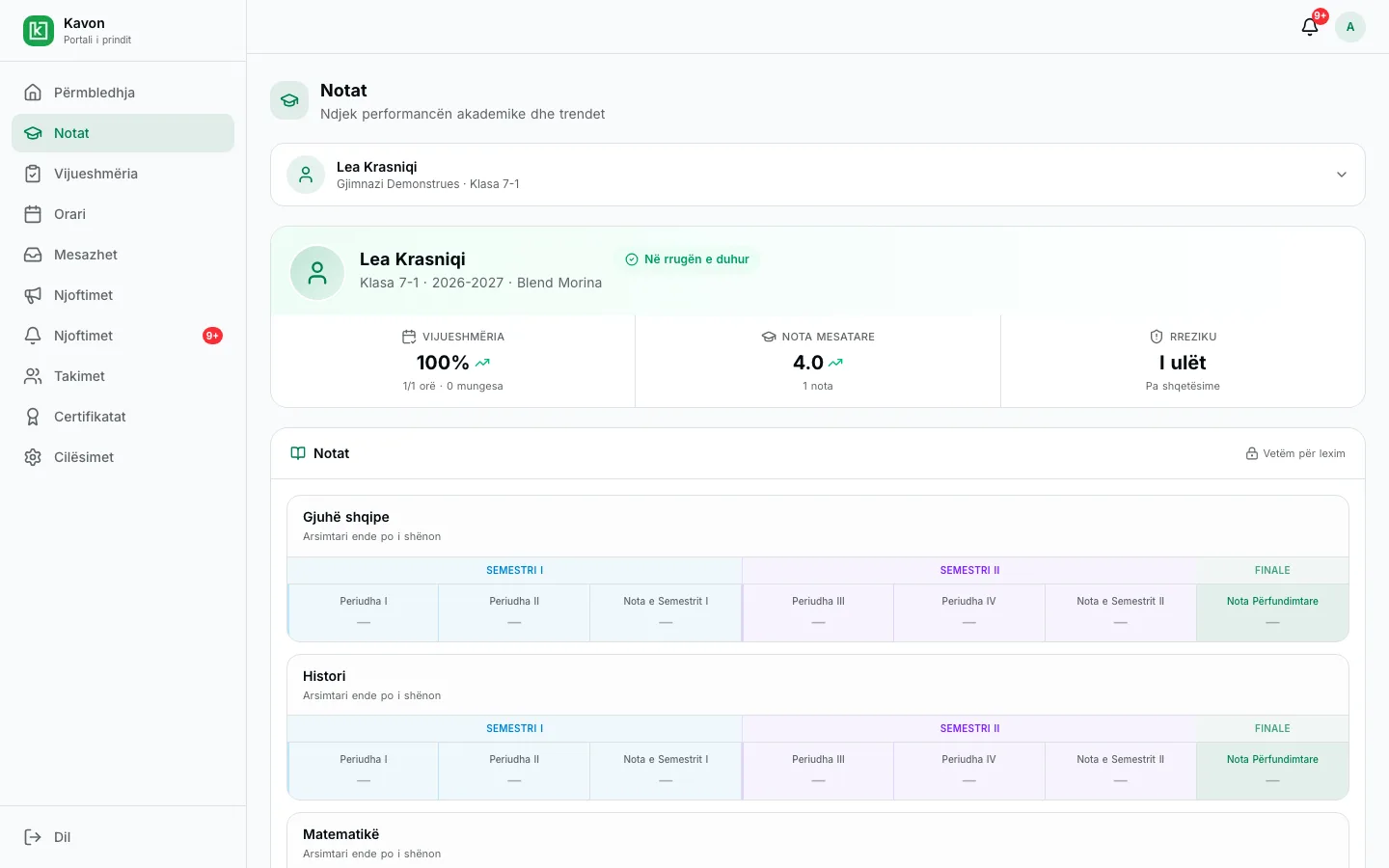
A student sees their timetable and published results. A parent follows the linked child. Leadership sees the class and the school.
How it works in practice
01
Teachers keep the register
Attendance and grades are entered as the year runs.
02
Families follow along
Parents and students open the portal instead of waiting for a printed sheet.
03
Leadership reviews the school
Directors see classes, not a pile of exports.
Who uses it
- Director: class and school progress, and year-end promotion.
- Teacher: the class record they keep.
- Student: their classes, timetable, and published results.
- Parent: the linked child’s attendance, published results, timetable, messages, and meetings.
Key capabilities
- Parent portal
- Guardians follow attendance, grades, and the student’s schedule.
- Student view
- Students see their classes, grades, and week without a separate app stack.
- Class and school reports
- Teachers and directors review progress for a class or the whole school.
- Tied to the register
- What families see comes from the same gradebook and attendance teachers use.
- Year-end promotion
- When the year closes, the record is there for promotion and the next year.
- One school identity
- Progress is by student in a public-school class, not a paid course enrollment.
Frequently asked questions
Related
- Parent portalA parent follows the linked child: published results, attendance, excuses, messages, and meetings.
- Messages and meetingsA parent writes to an eligible teacher and requests a meeting. Announcements and notifications stay in the same portal.
- Register and assessmentTeachers enter assessments for the class and subject. Published results are visible to the student, the parent, and school leadership.
For an interested school
Request a presentation. We will talk through this workflow with your school. There is no public price on this page.