
Parent portal
Parent portal
A place for a parent to follow a linked child, without entering the work of the whole school.
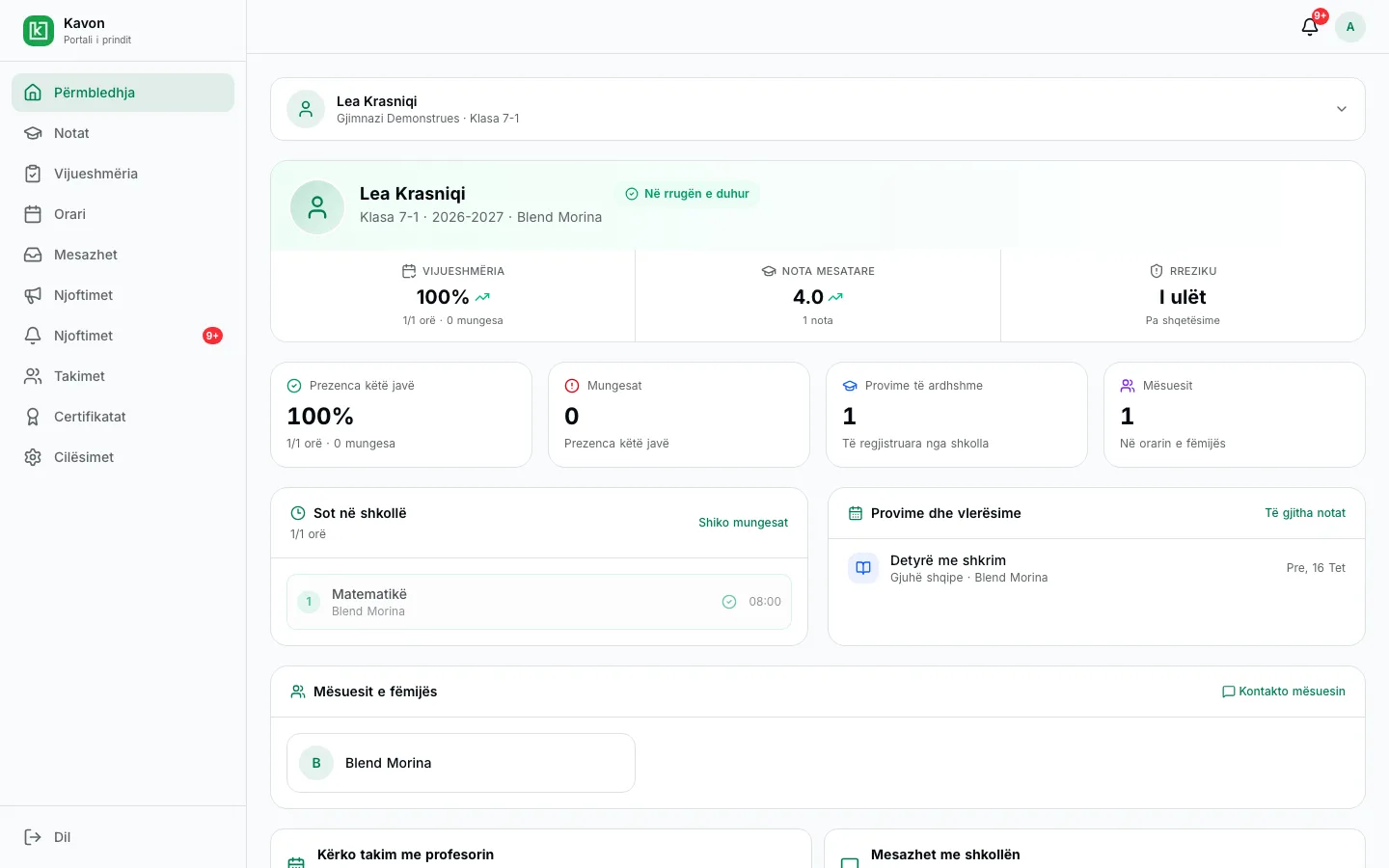
How a child is linked
The school issues an invite code. The parent uses that code in their own account. The code is not published on this website, and visiting the site does not open school records.
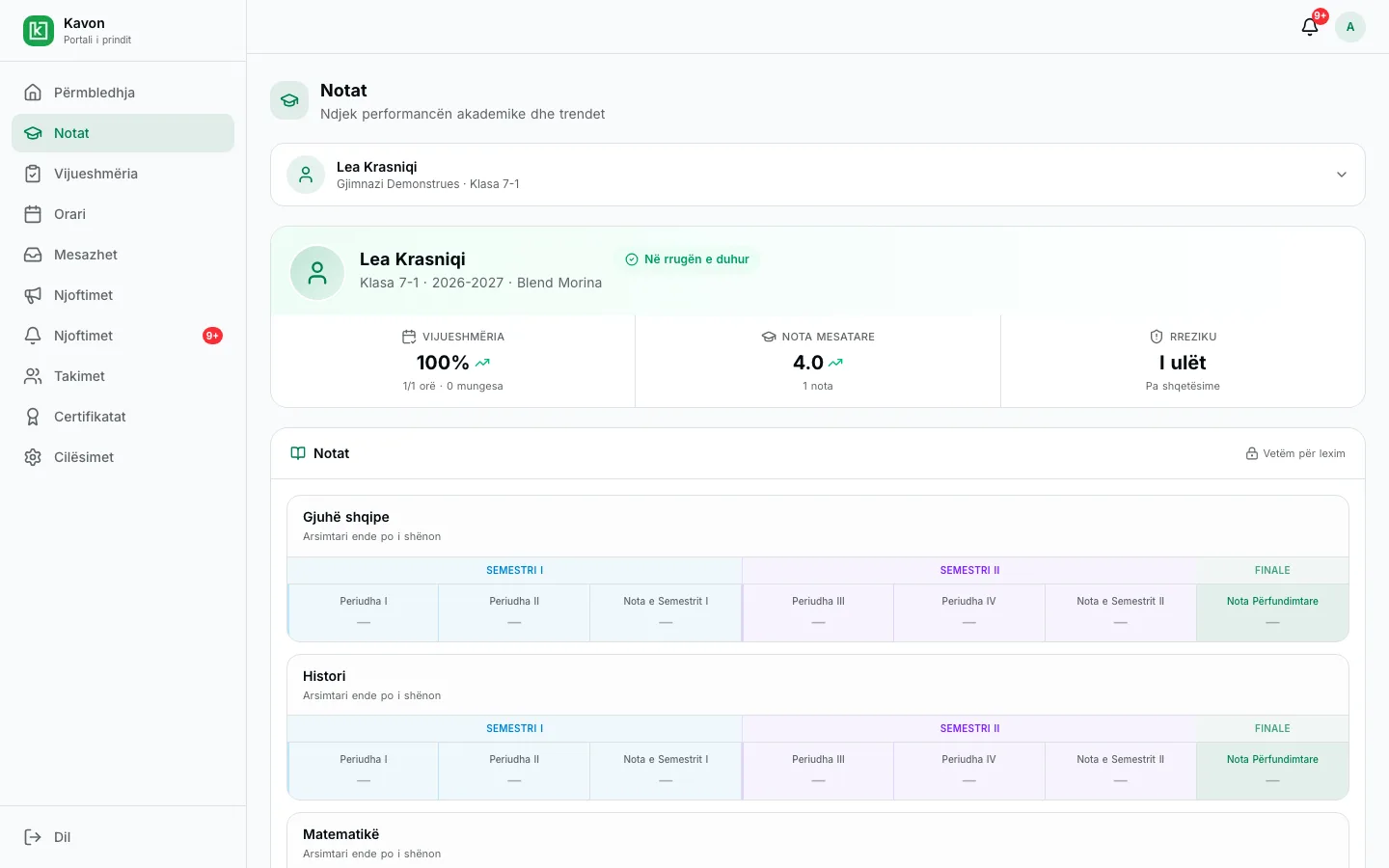
Published results
A parent sees the assessments the school has published for the child. One published grade does not mean the official class register is closed.
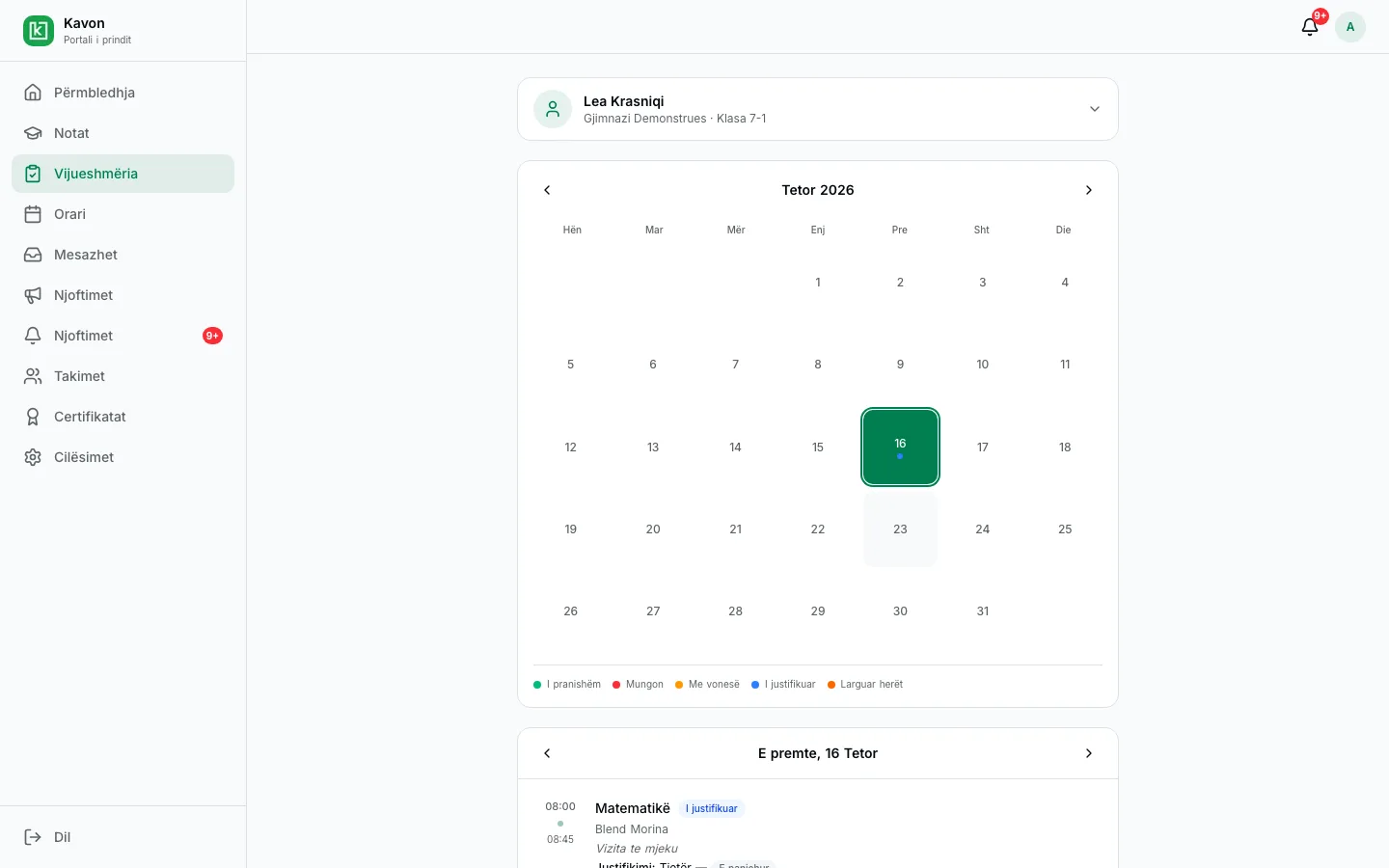
Attendance and excuses
A parent sees absences, submits an excuse, and follows its status after the school reviews it.
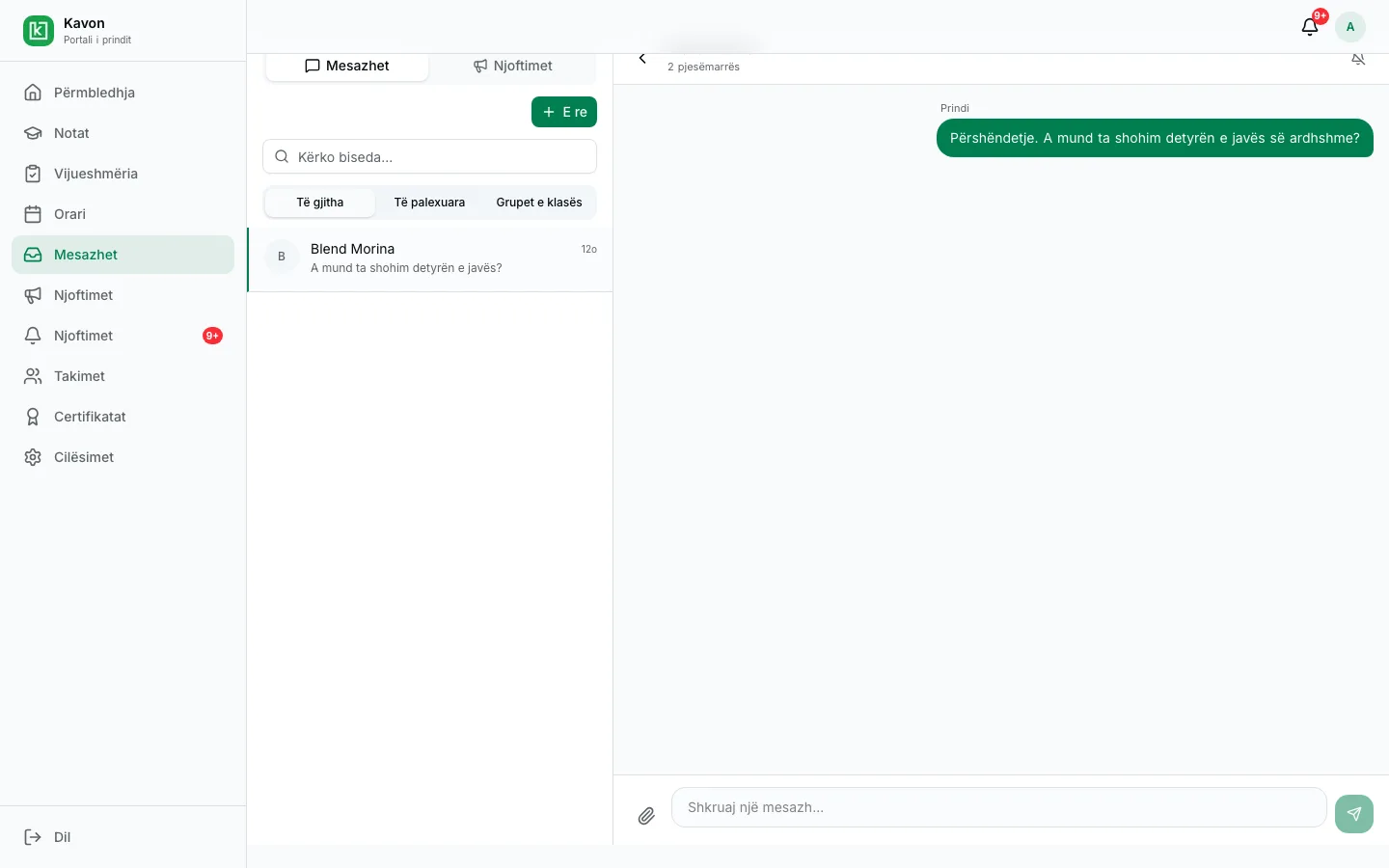
Messages and meetings
A parent writes to an eligible teacher and requests a meeting. Booked meetings stay in their portal.
Issued certificates
When the school issues a certificate for a linked child, the parent opens it from the portal. This page does not show a certificate.
Closer to a child’s school day.
- Link a child with a code the school issues.
- See results that have been published.
- Follow attendance and submit an absence excuse.
- See the excuse status after the school reviews it.
- Message a teacher who is eligible for that child.
- Request a meeting and see meetings that are booked.
- Switch to another child when more than one is linked.
Access stays with the authorized link between a parent and a child. When more than one child is linked, the parent switches between them. School information is not public.
For schoolsFor an interested school
Request a presentation. We will talk through this workflow with your school. There is no public price on this page.